
Documentation
How-to guides for the stories people build with TimeStrands, plus guides for integrating with the tools you already use.
Start here
How TimeStrands works
The one-page tour: what tracks, events and sources are, how deep time is stored, and the path from a blank canvas to an embed.
Read the overviewHow-to guides
Start from a use case close to your own. Each guide opens with a real, published example you can explore.
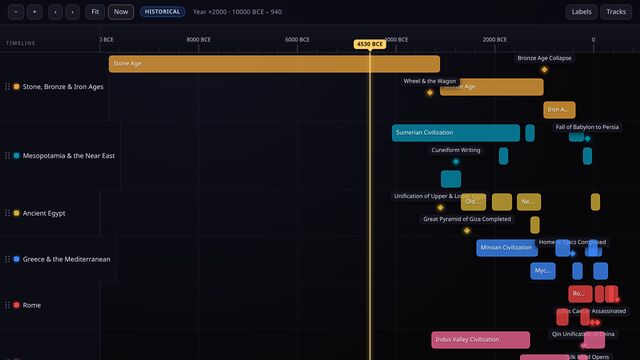
For educators
Teach world history with BCE dates
Build a deep-time classroom timeline that runs from the Bronze Age to the Iron Age without a single spreadsheet hack.
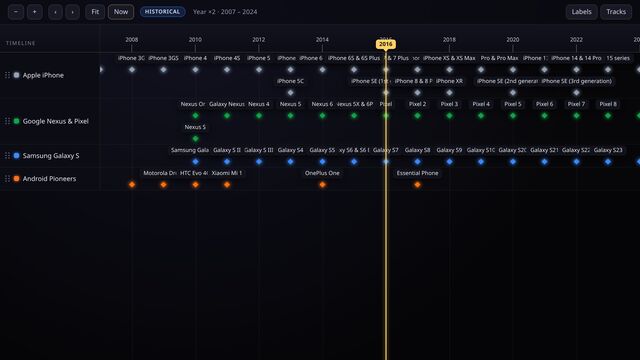
For product managers
Compare product releases side by side
Put iPhone, Pixel and Galaxy launches on one competitive timeline, then swap in your own roadmap or changelog.
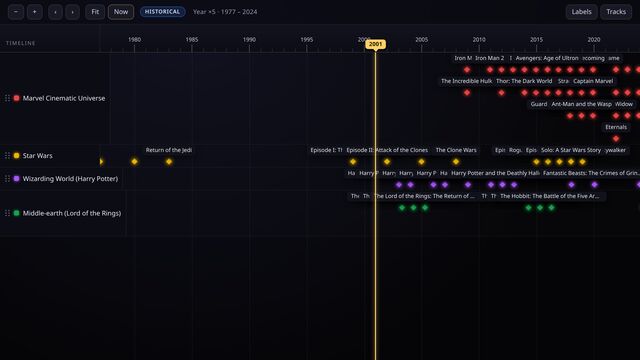
For fans & creators
Untangle franchises, prequels and spin-offs
One track per franchise, every release dated, and the in-universe order spelled out for readers.
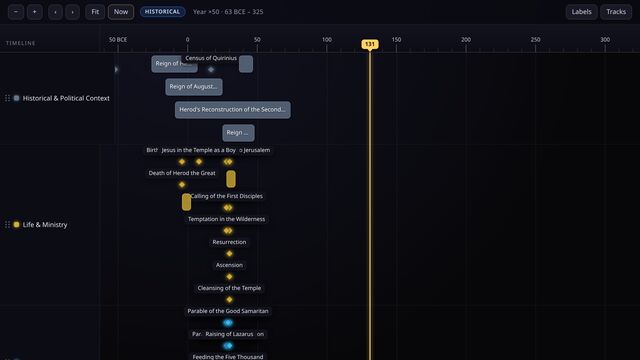
For study & faith
Trace a life against its world
Use circa dates, ranges and parallel tracks to place one life beside the history happening around it.
For cloud & security teams
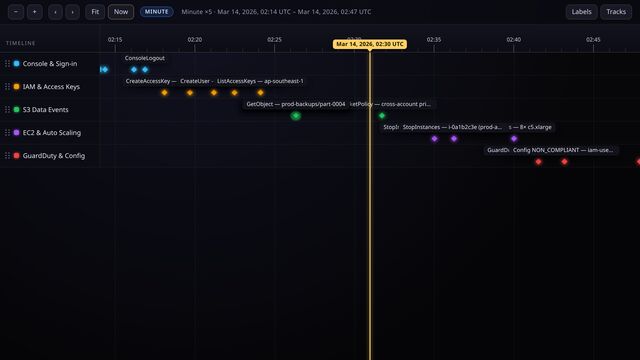
Reconstruct an incident from a log stream
Drop CloudTrail records onto a timeline and zoom from the whole morning down to a millisecond-level burst of activity.
For operations & HR
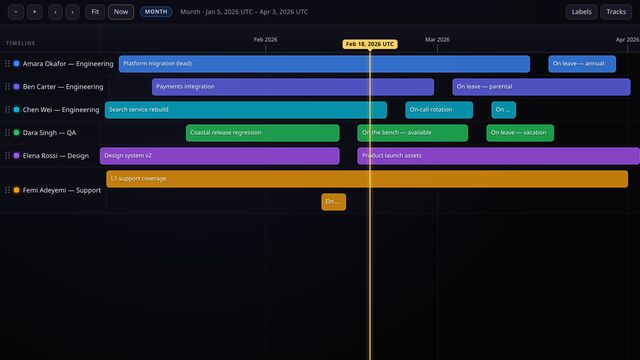
Plan manpower and leave
One lane per person, day-precise bars for assignments and time off, so coverage gaps show up before they bite.
For product teams
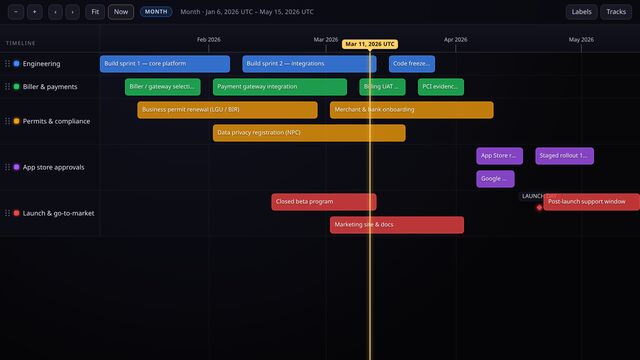
Run a whole product launch on one canvas
Development, code freeze, billing, permits and store approval on one timeline, so nothing blocks launch day by surprise.
For developer relations
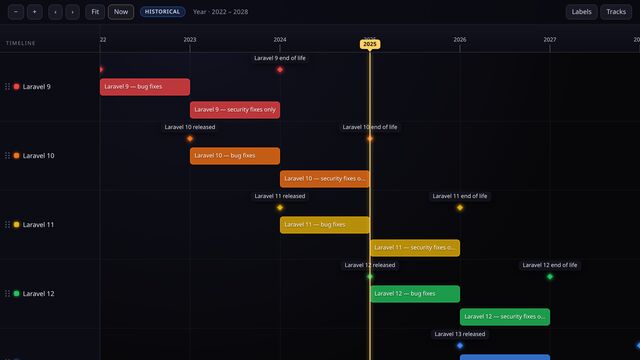
Publish a release support roadmap
Bug-fix windows, security-only tails, end-of-life dates and deprecations for every version line, in one embeddable chart.