For remixers
Copy a track or merge two timelines
Pull a single lane, or a whole timeline, out of public work and into your own account, with attribution kept intact.
5 min read
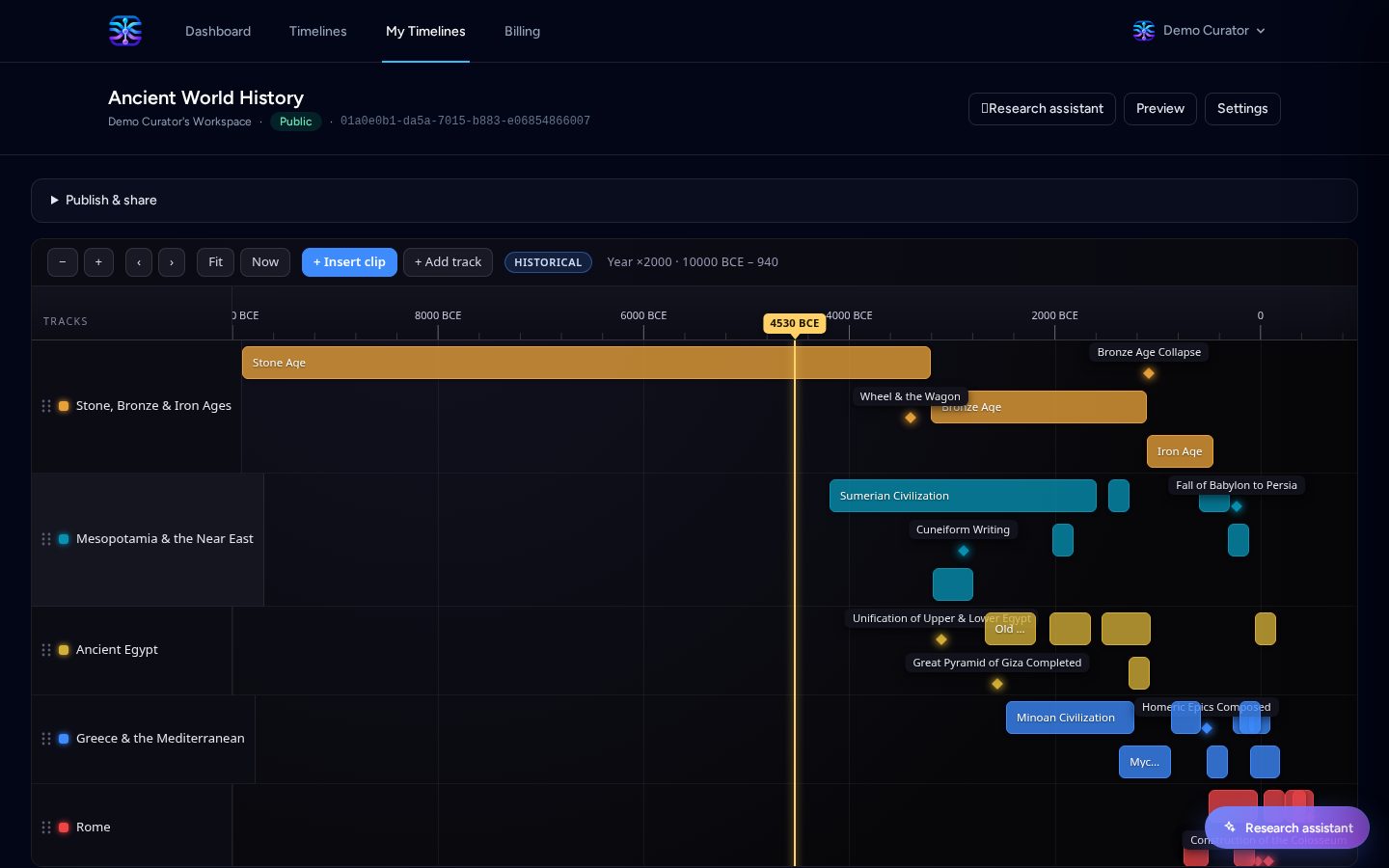
Good research is rarely built from nothing. When someone has already mapped a century, a product line or an incident, you should be able to start from their work rather than retype it. Two actions on any public timeline let you do exactly that, and both write into your own account as a private draft you fully control.
Copy a single track
Open a public timeline and find the track you want. The kebab menu beside the track name or in the Tracks drawer offers Copy track. Choose an existing timeline you can edit, or create a new one; the track, all of its events and their source links are cloned in.
- Existing timeline: pick any timeline you own or collaborate on from the picker.
- New timeline: give it a title and it is created as a private draft, subject to your plan limit.
- Replace events: when the destination already has a track with the same name, its events are replaced by the copy instead of being added alongside. This is on by default when a match exists.
A copied track never overwrites a different lane. If the destination has no track with that name, the copy simply arrives as a new track.
Merge two timelines
The Merge button in the header combines the timeline you are reading with any other public timeline into one new private timeline. It is not an in-place edit of either source; both originals are untouched.
- Choose Merge and search for the second public timeline by name.
- Confirm or edit the suggested title, which starts as "First + Second".
- Merge into my account. You land in the editor with the combined tracks and events.
- Tracks with the same name are folded into one lane, so parallel tellings of the same thread line up.
- Tracks with different names stay separate, and colliding keys are made unique automatically.
- A license is only carried over when both sources use the same one; otherwise the combined work has none.
- Only public timelines are searchable here. Unlisted and PIN-protected timelines stay link-only.
Attribution travels with the content
A copied or merged timeline records where its content came from. Published results show an "Adapted from …" line naming each source, and the authoring page lists every source under Sources, including the kind of copy and how many events came across. Nothing is hidden behind a click.
Sources are frozen at copy time, so attribution survives even if the original timeline is later changed or deleted.
Reuse, then make it yours
Once in your account the copy behaves like any other timeline. Rename tracks, add your own events, attach your own sources, and publish it under your own URL. Remixing is a starting point, not a permanent link to someone else's work.
Keep reading
Start here
How TimeStrands works
Why chronology matters, the problems ordinary timeline tools cannot solve, the vocabulary you need, and the path from a blank canvas to an embed.
For developer relations
Publish a release support roadmap
Bug-fix windows, security-only tails, end-of-life dates and deprecations for every version line, in one embeddable chart.